 Card Vendor Guides
The Shopify snapshot
A local copy of your store's products, and the one button that refreshes it.
What it is
Card Vendor keeps a snapshot of your store's raw singles and slabs (titles, variants, prices, and quantities) cached from Shopify. The Reprice, Price Triggers, and Consignments screens read this copy instead of walking your whole catalog on every page load, which is what keeps them fast. Intake doesn't need it, because buys write to Shopify directly. The snapshot serves only the screens that read your existing catalog.
Syncing it
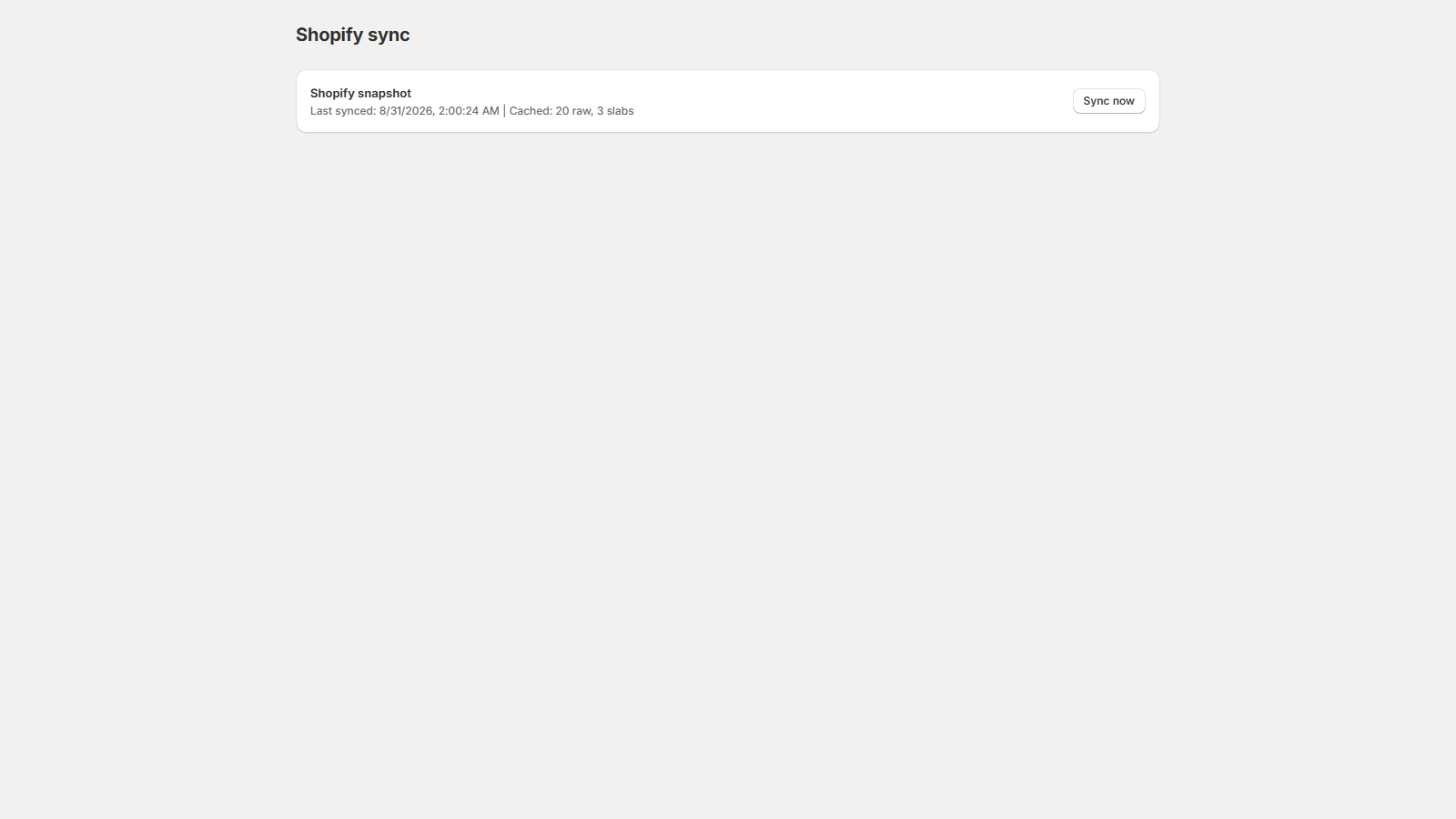
- Open Settings → Shopify sync. With an empty snapshot, or one older than 10 minutes, the sync starts on its own.
- Watch the progress line. The walk fetches one page at a time, slabs first, then raw singles.
- Press Sync now to run it yourself. If a page fails the walk stops, and Sync now is the retry.
While it runs, the progress line reads like "Syncing Raw — page 12, 1,200 rows so far"; when it finishes, the card shows Last synced with the time and the cached raw and slab counts.
The warning banner
Pages that read the snapshot show "Shopify snapshot needs a sync" whenever the snapshot is stale or empty, along with the last-synced time and a link: Sync in Settings → Shopify sync. Follow the link, let the sync finish, and head back.
When to re-sync yourself
After bulk changes made outside Card Vendor: a CSV price update, another app adjusting inventory, or hand edits in Shopify admin. The snapshot doesn't watch Shopify for changes. It refreshes when this page syncs, and not otherwise.