 Card Vendor Guides
Buy rates
The multipliers behind every offer: set once in Settings, quoted everywhere.
What a rate means
Rates are multipliers of a card's base (market) price. With Raw set to cash 0.66 and trade 0.83, a card with a $100 market price quotes $66 in cash or $83 in trade. Cash and trade are set separately, so store credit can pay better than the till.
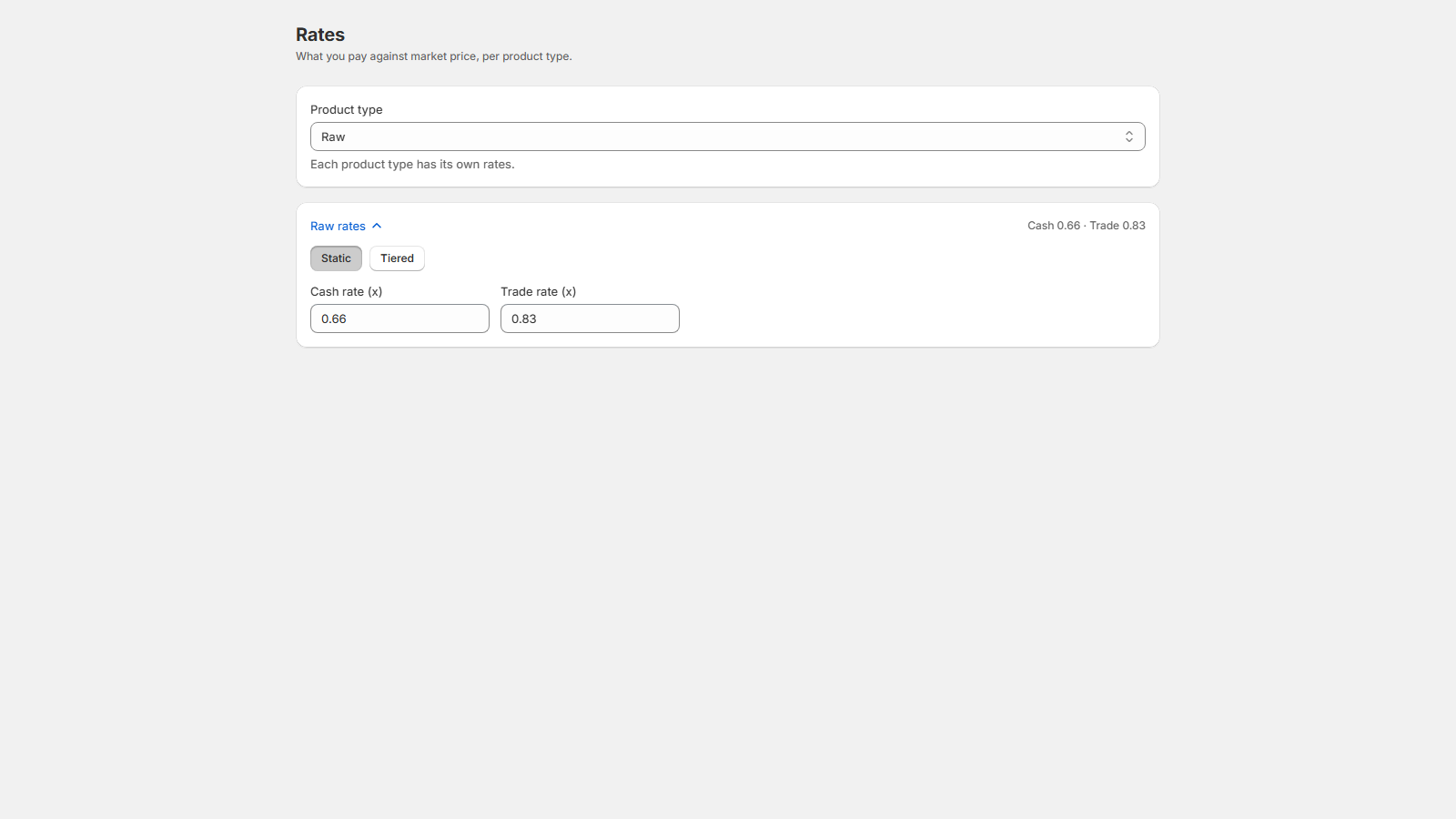
Set them
- Open Settings → Rates.
- Pick a Product type. Raw, Slab, Sealed, Video game, Custom item, and Bulk each carry their own rates.
- Choose Static and set Cash rate (x) and Trade rate (x), or switch to Tiered.
Bulk works differently: its editor is dollars-per-card by game and category, and cash and trade pay the same bulk rate.
Tiered rates
Tiers split a type's rates by price band, so bulk commons and chase cards get different treatment. Each row sets an Under ($) threshold with its own Cash (x) and Trade (x); a card is priced by the first band its base price falls under, and the last row ("and above") catches everything higher. Add tier adds a band. For example: under $5 at 0.40 / 0.50 and above at 0.70 / 0.80, a $3 card quotes $1.20 cash while a $100 card quotes $70.
Overrides happen at intake, not here
This page sets shop-wide rates. To pay differently on one card, use its staged row at intake: click into the row's Cash or Trade cell and type the agreed dollar amount or rate for that line alone.
The intake screen also carries an Edit rates shortcut above the search panel, with the active type's numbers beside it (e.g. 0.66 / 0.83). It opens this same editor in a window over the counter, so you can adjust rates mid-buy without losing anything you've staged or typed.